Facility operations, simplified

Stop losing maintenance history in texts, emails, and memory.

Facility Custodian gives small teams one place to track repairs, vendor details, documents, and recurring tasks, so anyone can quickly see what was done, when, and by whom, and what needs attention next.

  • Stop chasing old screenshots and text threads
  • Keep a clean timeline of what was serviced and when
  • Make handoffs easy when roles rotate

What this looks like for a facility manager

The problem usually does not look dramatic. It looks like repair records buried in a cabinet, a building issue scribbled on paper, or vendor updates stuck in an inbox. Over time, those gaps create missed follow-up, duplicate work, and slower decisions.
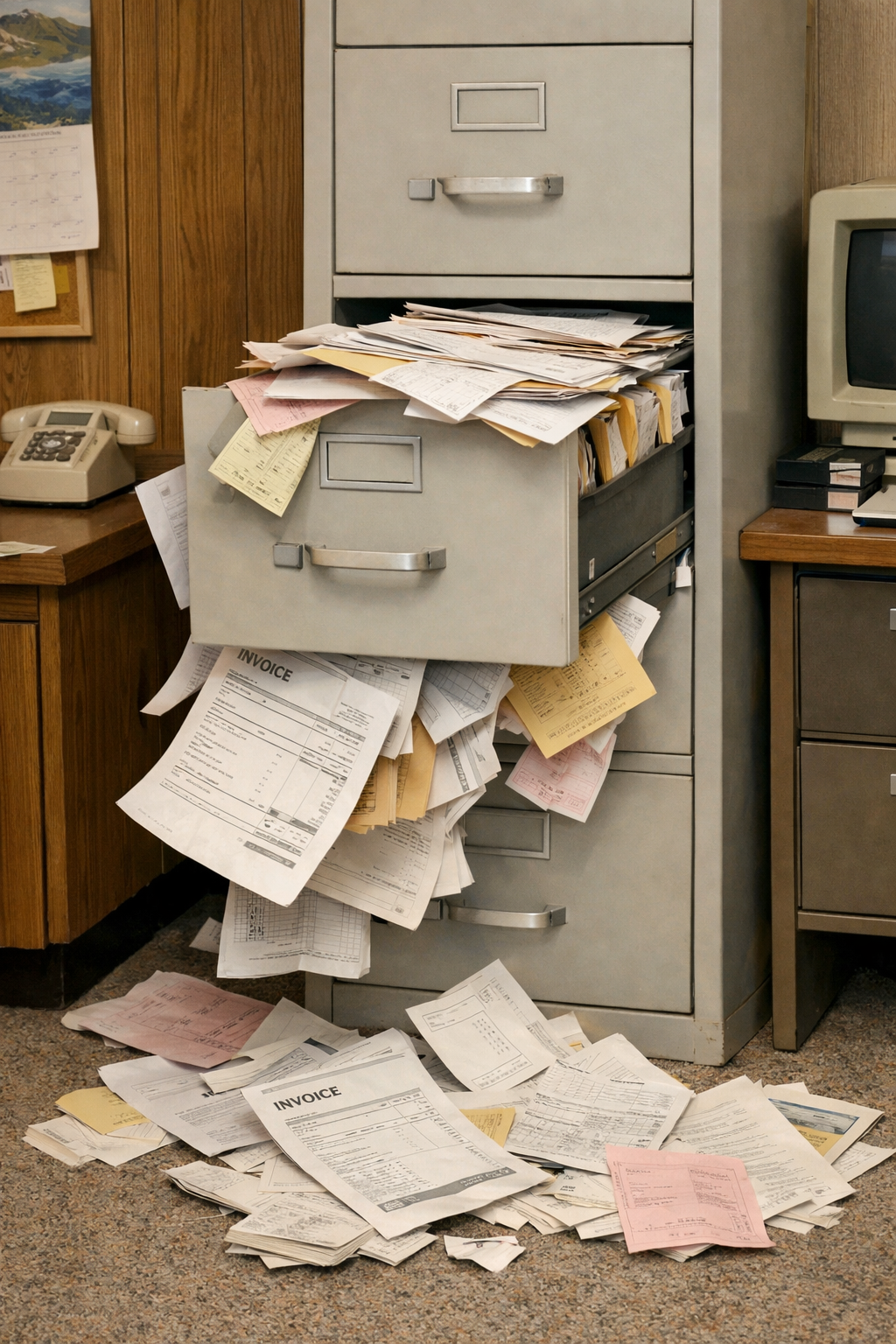
Overstuffed filing cabinet overflowing with invoices and paperwork

Paper records that no one can find fast enough

Invoices, warranty paperwork, inspection reports, and old vendor notes pile up until the right document is effectively gone when you need it.

Facility Custodian turns that paper trail into a clean digital history tied to the work, vendor, and asset it belongs to.
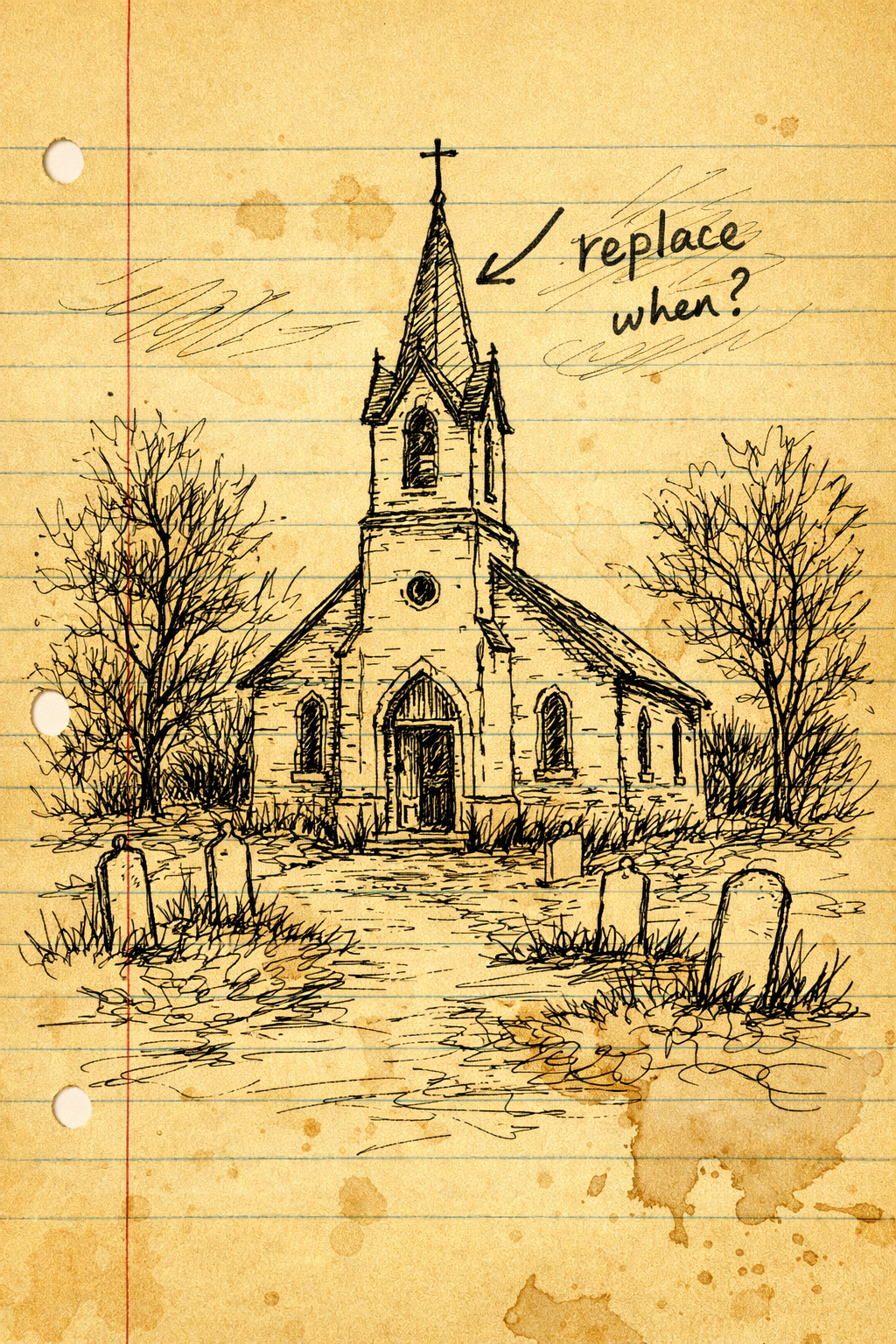
Sketch of a church with a handwritten note about roof replacement

Critical building knowledge living on a note

Someone knows the roof issue matters, but the details stay trapped in a margin note, a memory, or a conversation that never becomes a shared record.

Facility Custodian gives that issue a timeline: what was noticed, what was discussed, who looked at it, and what still needs action.
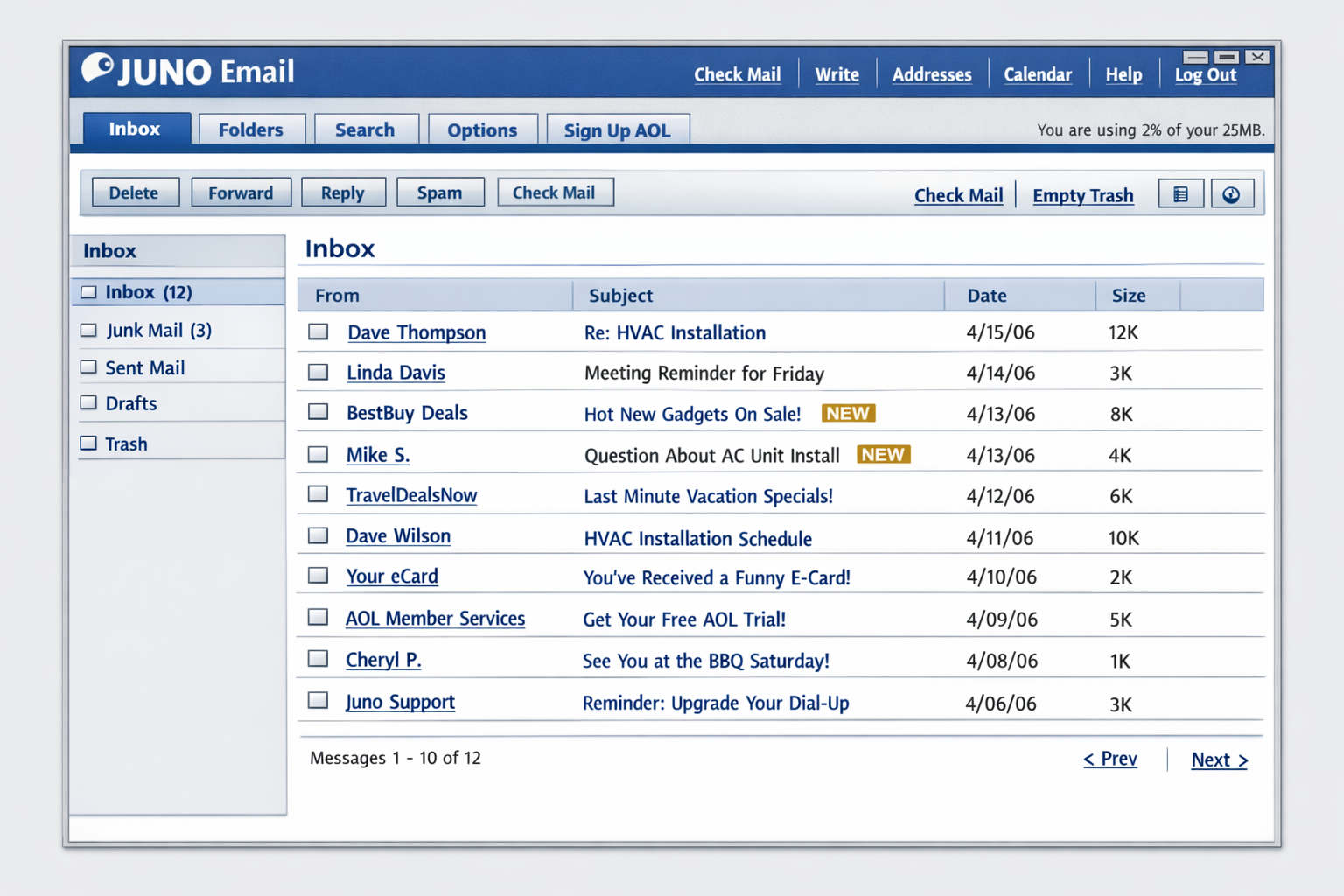
Email inbox with HVAC installation and service messages

Vendor updates buried in the inbox

HVAC scheduling, service replies, and installation questions get buried under routine email, making it harder to know what was promised and what still needs follow-up.

Facility Custodian pulls that history out of scattered threads and into one shared place your team can actually use.

How it works

[01] Capture

Save documents, photos, and notes as work happens

Upload invoices, manuals, equipment photos, and quick notes the moment something is repaired, replaced, or inspected.

[02] Organize

Keep every record tied to the right asset

Link documents and service history to the equipment, room, or system they belong to so records stay useful over time.

[03] Act

Find answers fast and know what to do next

Search past work, check vendor history, and assign follow-ups without hunting through folders, texts, or email chains.

What gets easier right away

  • No more lost maintenance notes
  • Faster handoffs when responsibilities change
  • Quicker vendor follow-up with the full context
  • A clearer record of recurring work and past repairs